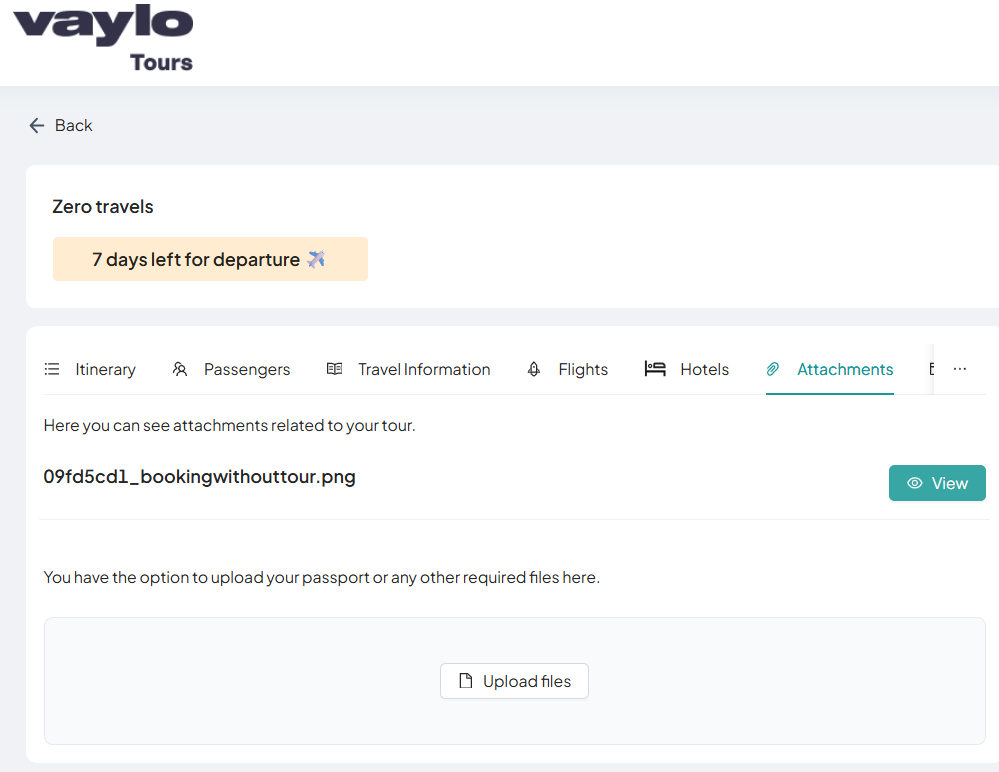
Attachments
The Attachments section displays all files related to the booking. Files can come from two sources — uploaded by the admin through the Admin Portal, or uploaded directly by the user from this section.
Admin Uploaded Attachments
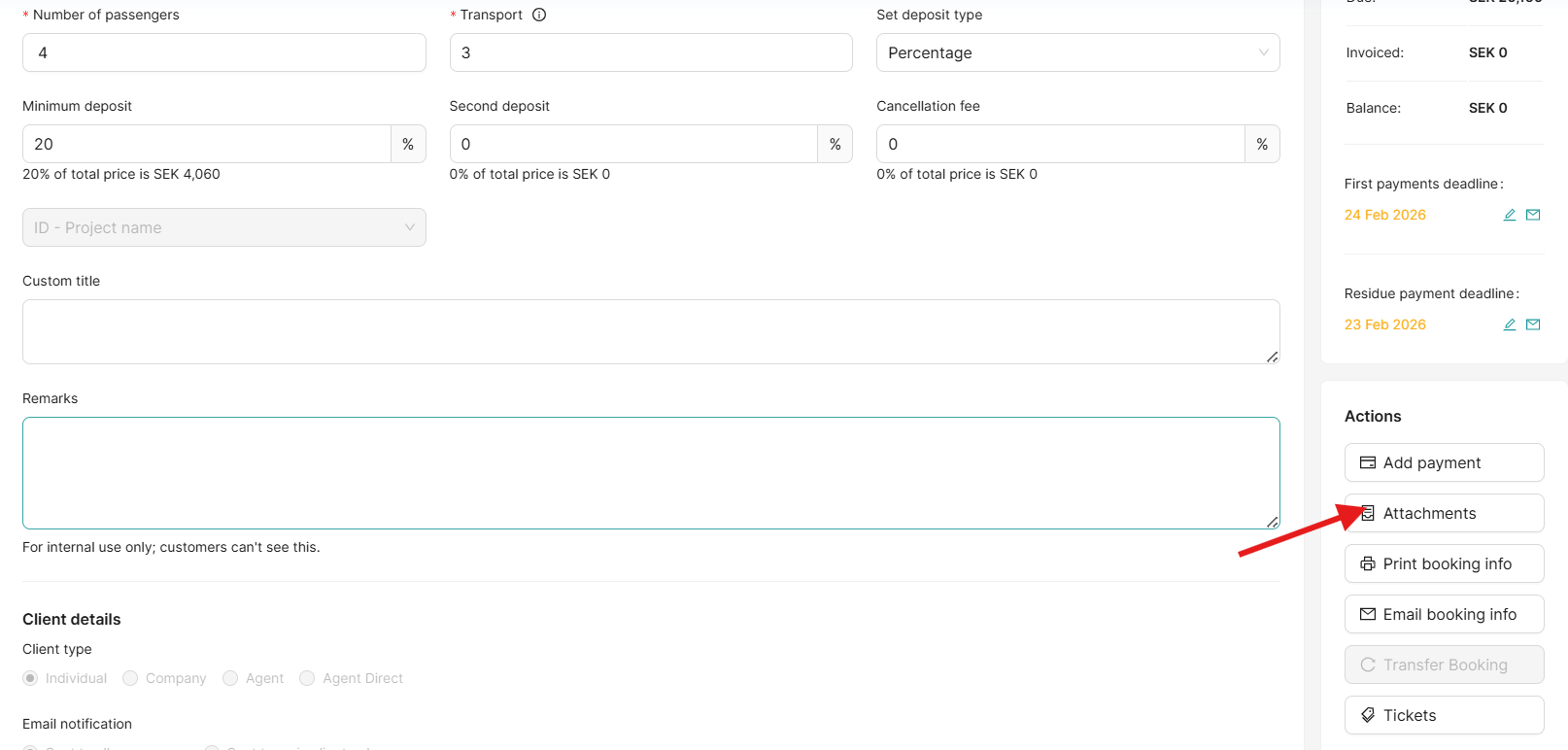
Any files attached by the admin via the Bookings → Attachment tab in the Admin Portal are automatically visible here. Users can view or download these files directly.
Upload Attachment
Users can also upload their own files directly from this section.
Steps
- Click the Upload or Attach File button
- Select the file from your device
- The uploaded file will appear in the attachment list
Supported File Types
- 📄 PDF documents
- 🖼️ JPG / PNG images
- 📎 Other relevant document formats
Note
Files uploaded by the user from this section are also visible to the admin in the Admin Portal.