Supplements Section
Manage tour supplements and additional charges applied to bookings.
Viewing Attached Supplements
Tour-attached supplements display automatically showing:
- Supplement name
- Applicable for
- Category
- Quantity
- Price
- Action (Edit or delete)

Adding New Supplement
Add additional supplements to the booking.
Steps
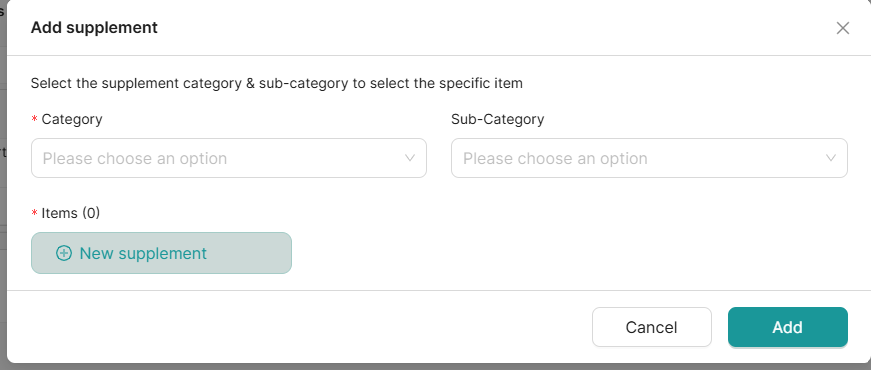
- Click Add Supplement
- Select a category and subcategory — all available supplements are displayed based on the selection
- Choose from the listed supplements, or create a custom one by clicking New Supplement
- Click Save
Best Practices
✅ Clearly communicate supplement costs
✅ Explain what each supplement includes
✅ Mark mandatory vs. optional supplements
✅ Update seasonal supplements regularly
✅ Apply discounts accurately
✅ Document supplement policies